
MVP is finally live, and I'm proud of it: update #7
At the end of July, I decided to put everything into finishing one of my flagship projects. A docs editor I started building back in May, vibe-coding my way through it with Claude AI like a toddler who had no idea what he was doing.
Last week I came back to it with a clear head. First, I overhauled the website. That's done now, finished. Once I had that momentum going, I went ahead and submitted the app for review.
Read also: Single focus works: update #6
It went smoother than I expected, with a few caveats along the way, and yes, some yelling at Claude. But nothing stopped me.
And I'm genuinely proud of where the current MVP stands.
Not trying to build the next Notion
The docs editor isn't fancy. It's nothing groundbreaking, and it's never going to be a unicorn product. That was never my goal.
My goal from the start was to solve a problem for myself, turn it into a sustainable, boring SaaS, and keep it minimal. I don't want it to end up like Notion or ClickUp. Tools that turned into dumpster fires the moment they started bolting on dozens of features nobody asked for. It's also one of the reasons I stopped using them last year.
What's in the app I built?
I listed some of the most critical features here that defined the direction and app.
Writing & editing
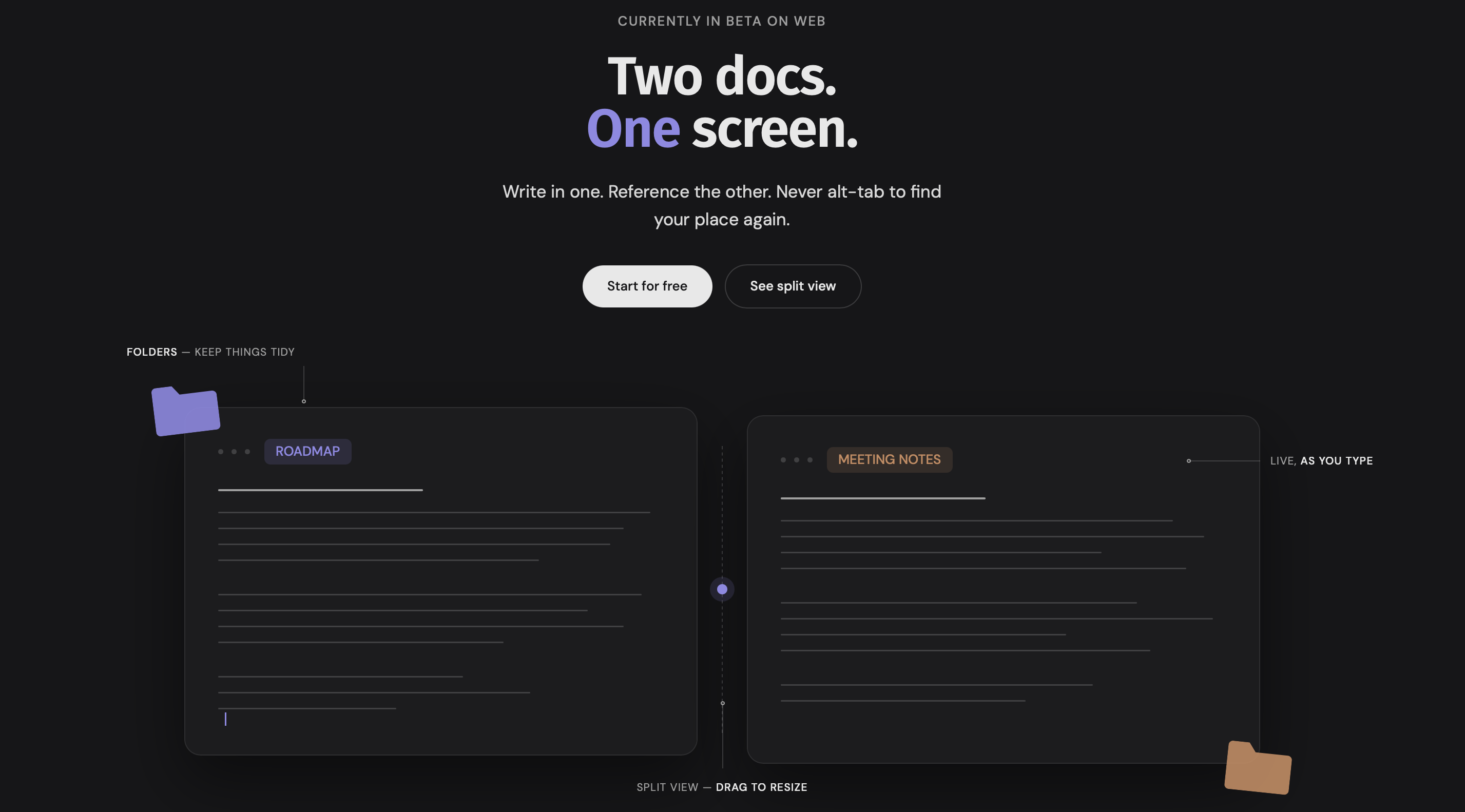
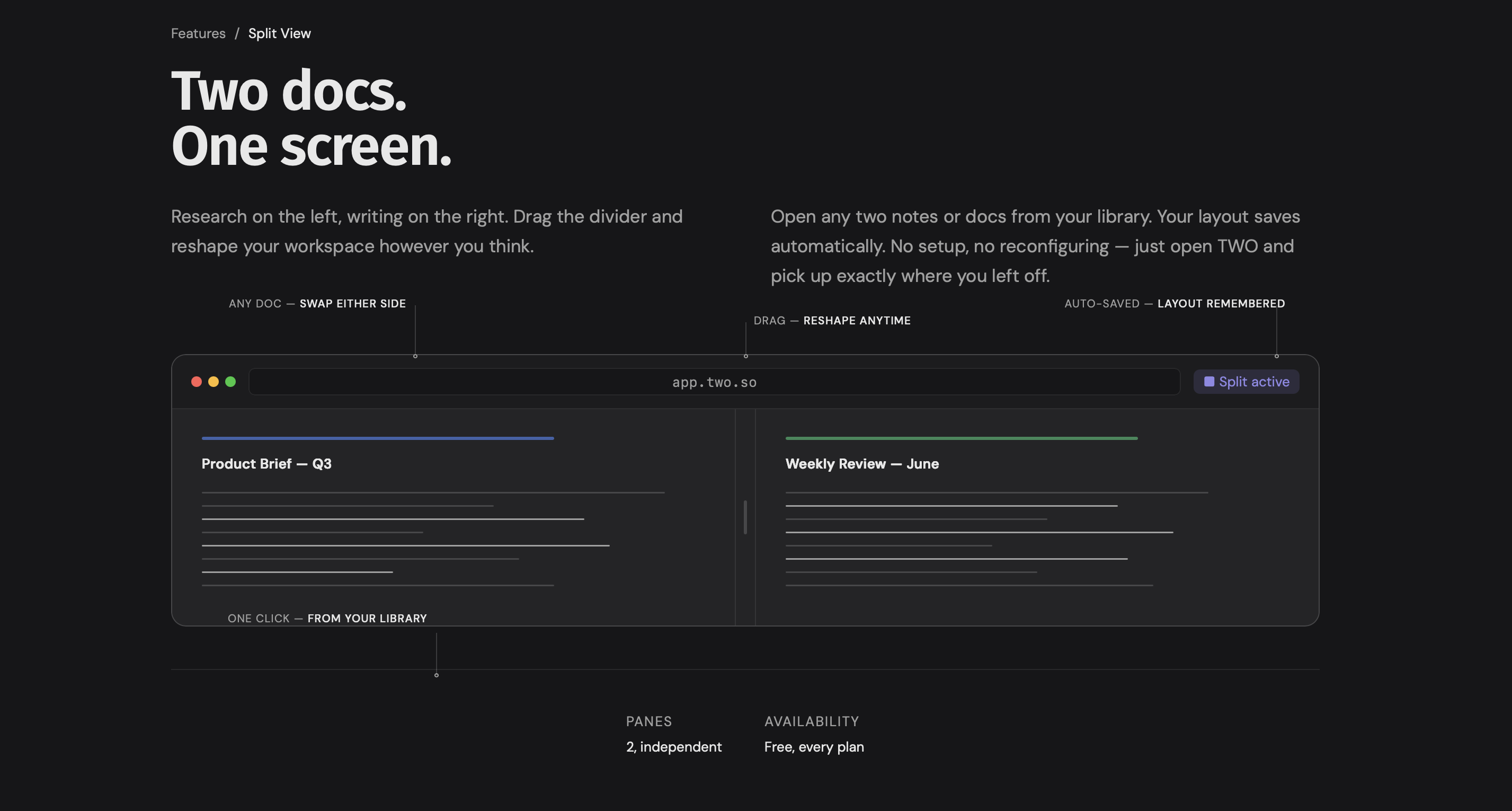
Split view - two docs, or a doc and a note, side by side with a resizable divider
Multiple tabs - work across several open docs at once, each one color-coded
Version history - automatic snapshots as you write; view and restore any past version (Free: last 3 versions, Pro/Founding: 30 days)
Linked docs - turn any text into a clickable link to another doc
Live autosave with a save-status indicator
Organization
Library - one view of everything you've written, grouped by folder or label, filterable
Quick Jump (⌘K) — search and jump to any doc or folder instantly
Labels - tag and organize beyond folders
Collaboration
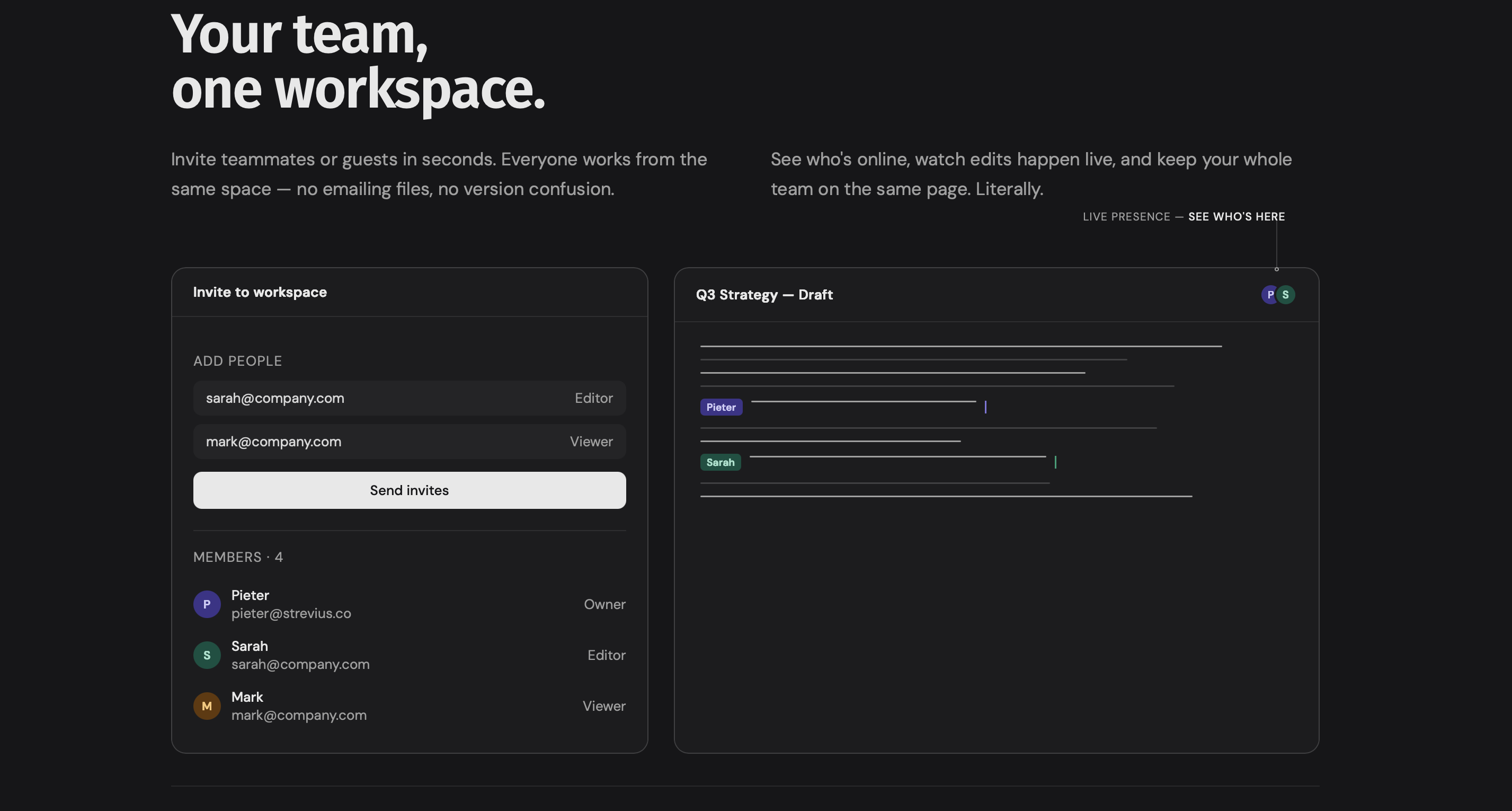
Shared workspaces - invite teammates, real-time collaborative editing
Comments - leave comments directly on docs
Activity - a timeline of everything you and your team have touched, filterable by type and space
Studio
Wall - a bounded board for pinning docs, notes, images, text, and color swatches, with connector lines between items
Canvas - the same idea, but on an infinite pan-and-zoom surface, 25% to 250% zoom (a more basic version than Apple Freeform)
Templates
I currently have seven ready-to-use starting points: Meeting Notes, Blog Post, Product Brief, Weekly Review, OKR Tracker, Competitor Analysis, Podcast Episode.
I plan to add more templates every week, so it turns into a full-fledged library of resources for users. At least the goal is to have around 40 templates.
Planner and notes
Task management with due dates, plus Notes - a lighter, separate content type that sits alongside full docs.
Notes can also be opened in split view, which is great for creatives or bloggers who want to continue with focused writing.
All of this and more currently works as a full web app and installs as a PWA on both desktop and mobile.
No AI, on purpose
By design, the app doesn't have AI, and it probably won't this year either. AI fatigue is real, and I decided early on to keep this one non-AI. If anything ever gets added, it'll look closer to what Dropbox Dash does. Organizing, contextual reading, summarizing a handful of docs based on content or folder. Nothing more than that.
What happens next?
Right now, the app has gone completely unnoticed, and that's fine. I'm not planning any aggressive marketing. Growth here will be slow: basic SEO and inviting 50 people into a beta program. Beta testers get lifetime Pro access, grandfathered in on every feature.
Now that the MVP is out, here's my sequence:
Start writing niche content for the dedicated blog
Do a final QA pass on the MVP and fix every small bug, no matter how minor
Build a better onboarding flow
Add a live demo on the website, so people can try the best features without signing up
Start building the native Mac app, followed by the iPad app
That iPad app is the real endgame. It's the reason I started building in the first place. I'm a heavy iPad Pro user, a content creator and blogger, and I could never find a docs editor and writer I liked on iPad.
But I am terrified even starting to build a Mac or iPad app. This is again new territory for me and I might just fry my brain on the first attempt.
Marathon
Laying it all out like this, I can see how much is still ahead. That's fine. I don't expect a single paying customer for the next two years, maybe longer, and that doesn't discourage me either.
For now, the app and website are live and fully functioning. That's enough.
Get new posts before anyone else
No noise, no automation sequences. Just what I'm writing, thinking about, and building, sent when there's something worth sending.
An email once in a while. Unsubscribe anytime.

Written by
Pieter Borremans
Writer·Content creator·Founder
Based in Taichung, Taiwan and London, UK, this is Pieter's personal journal and builder's blog: field notes on entrepreneurship, solo business-building, and the unfiltered reality of creating online. Alongside it, he's chasing one absurd goal in public, $168M USD in lifetime earnings, tracked live from zero.